CivicPlus Video Assets and Direction
Role: Art Direction and UI design
Animator: Laurel Miller
I collaborated with project stakeholders and our video designer to produce a feature-highlight video for our Cost Recovery product. The final video was
created for YouTube and now lives in the Resources section of our website.
Process
The video designer developed an initial storyboard in Figma with stock imagery, animation concepts, and the script.
She and I reviewed the script together to align on direction and visuals.
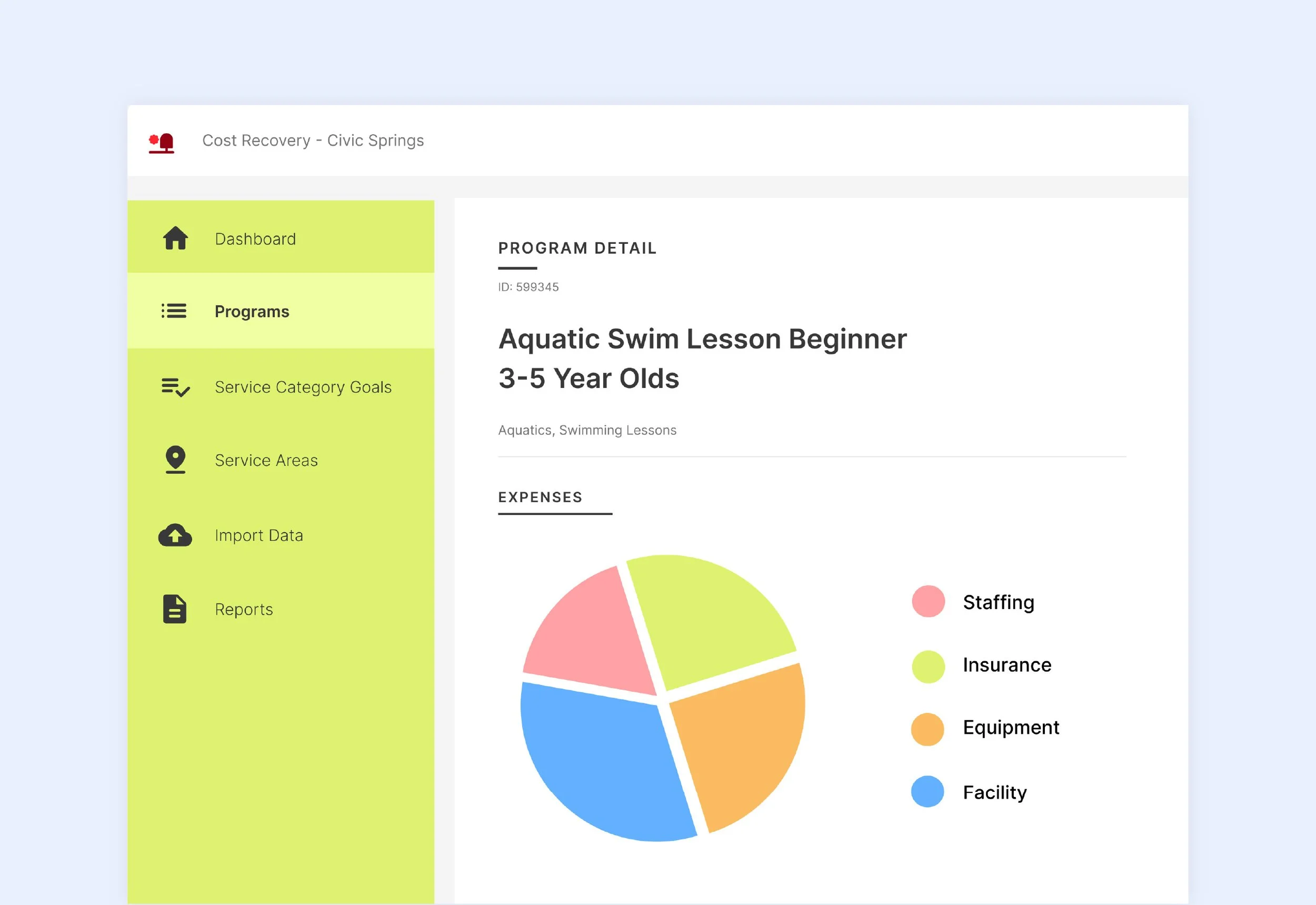
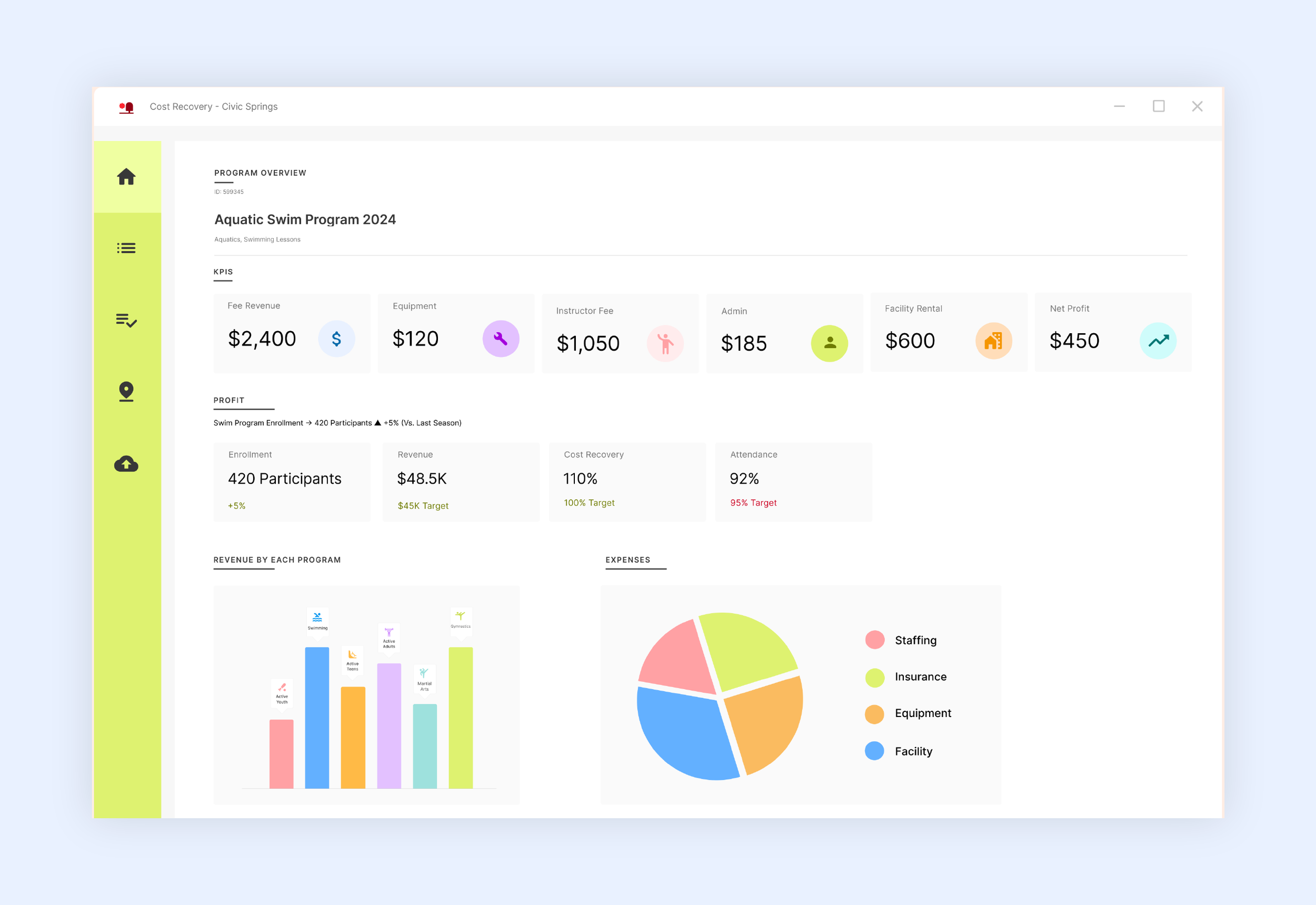
I then met with the stakeholder to gather relevant product UI screens, recreated them for clarity and consistency, and integrated them into the storyboard.
I added visual and animation notes for Laurel to guide the final motion design.
Final video: link here
Storyboards
Storyboard adjusted with my statics
Final Statics
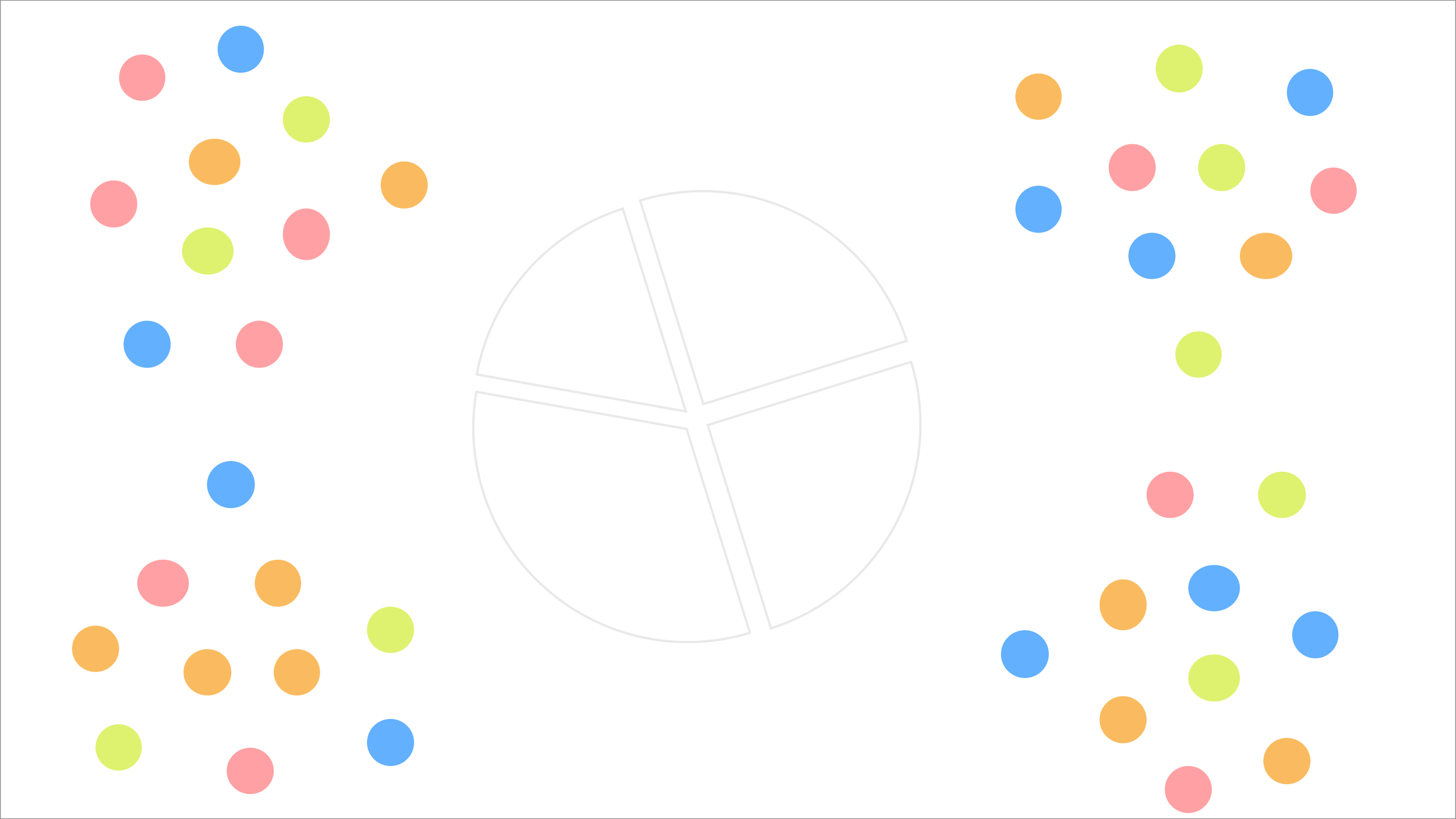
The dots represent data and are all jumbled around
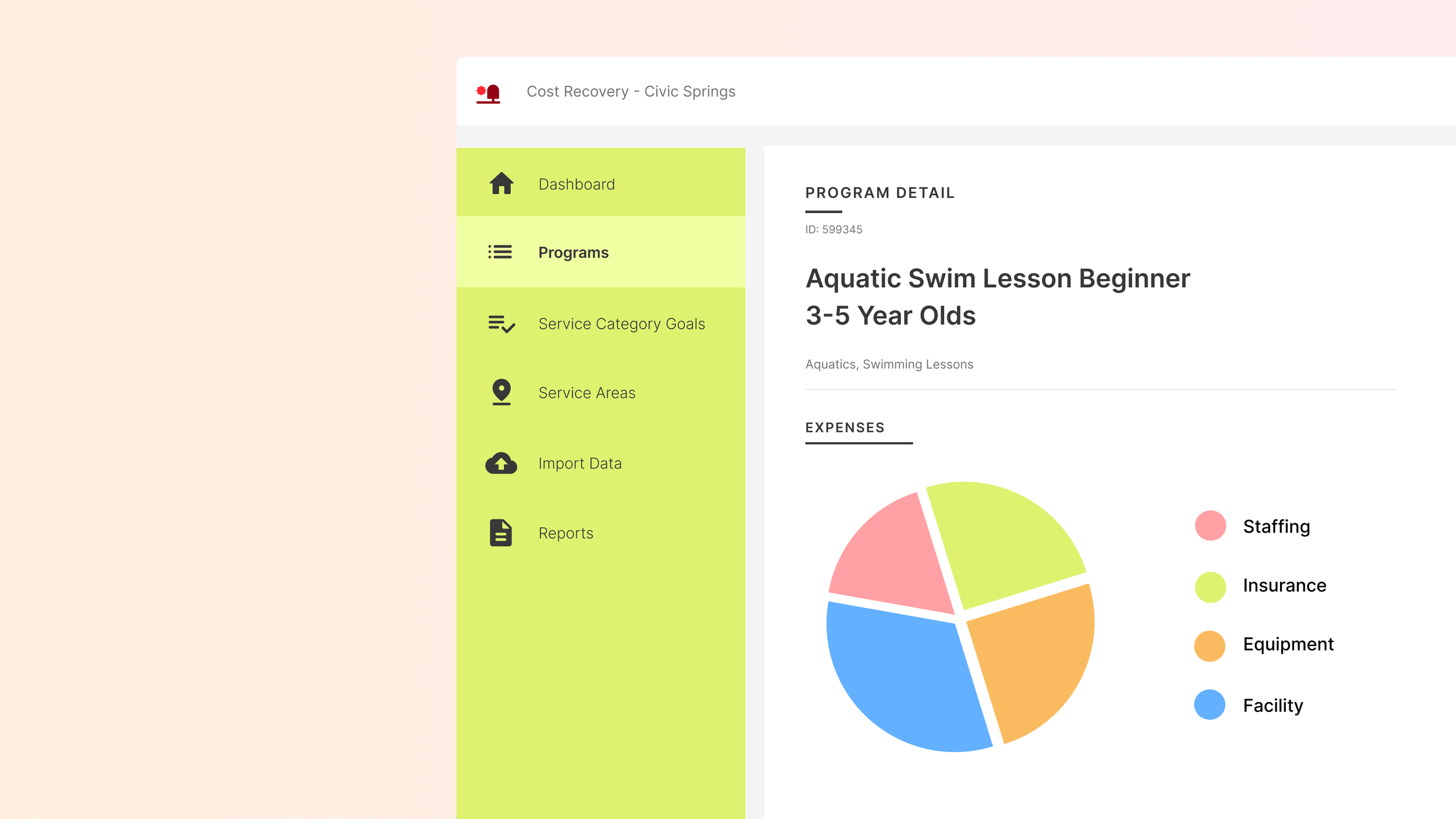
Dashboard screen pan
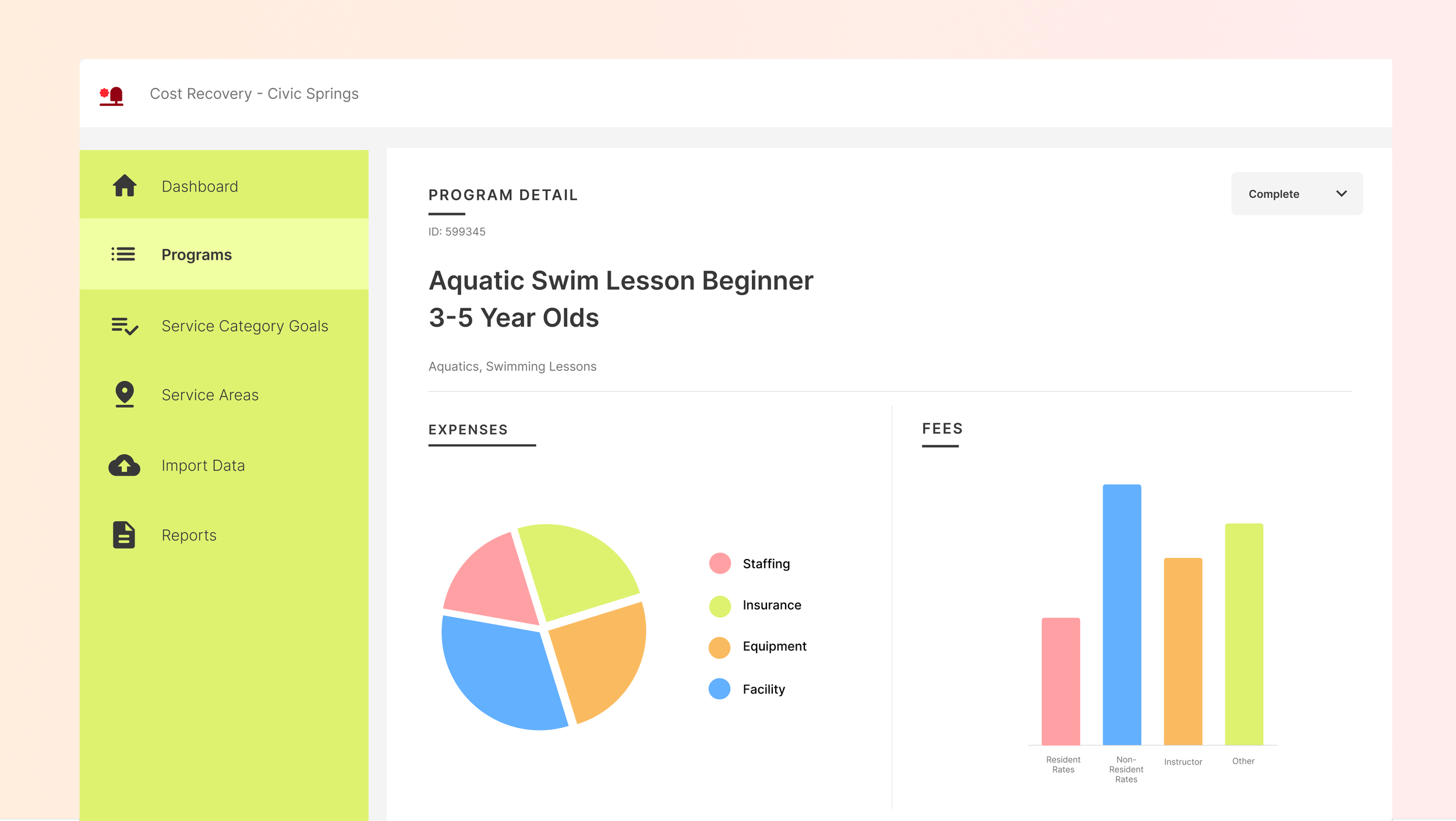
The full screen
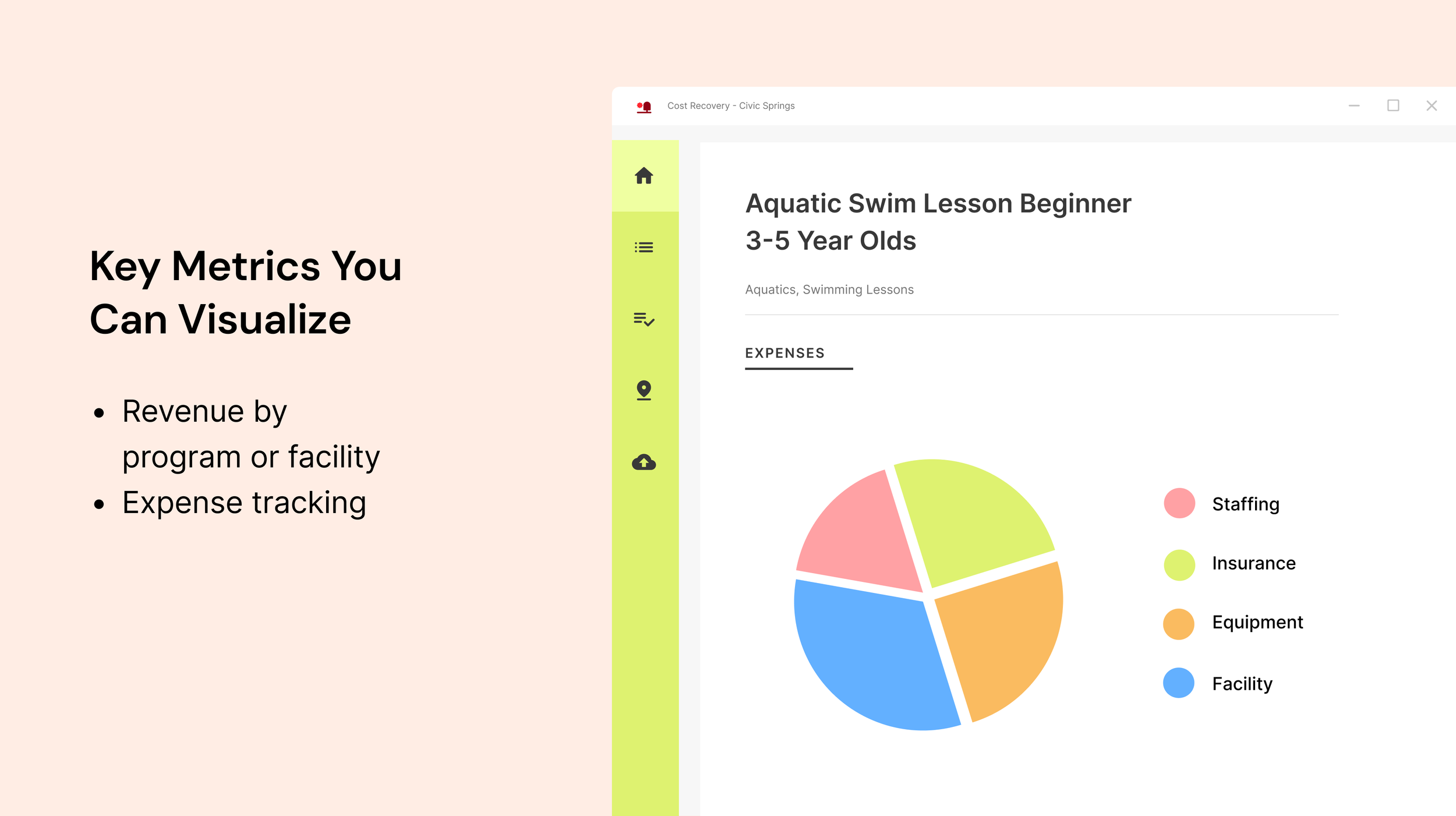
Feature 2

Feature 4
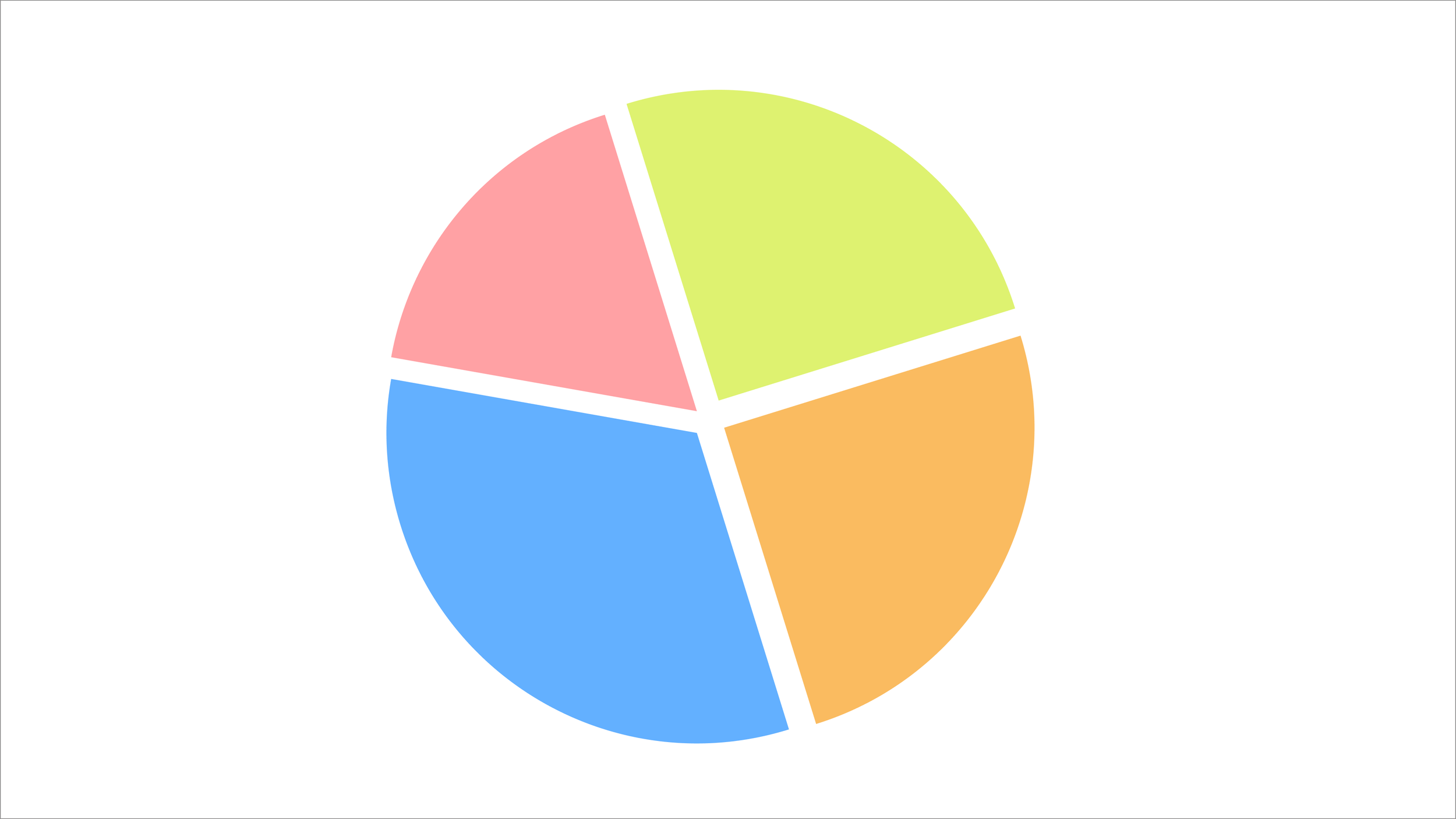
Until our product feature cost recovery is implemented
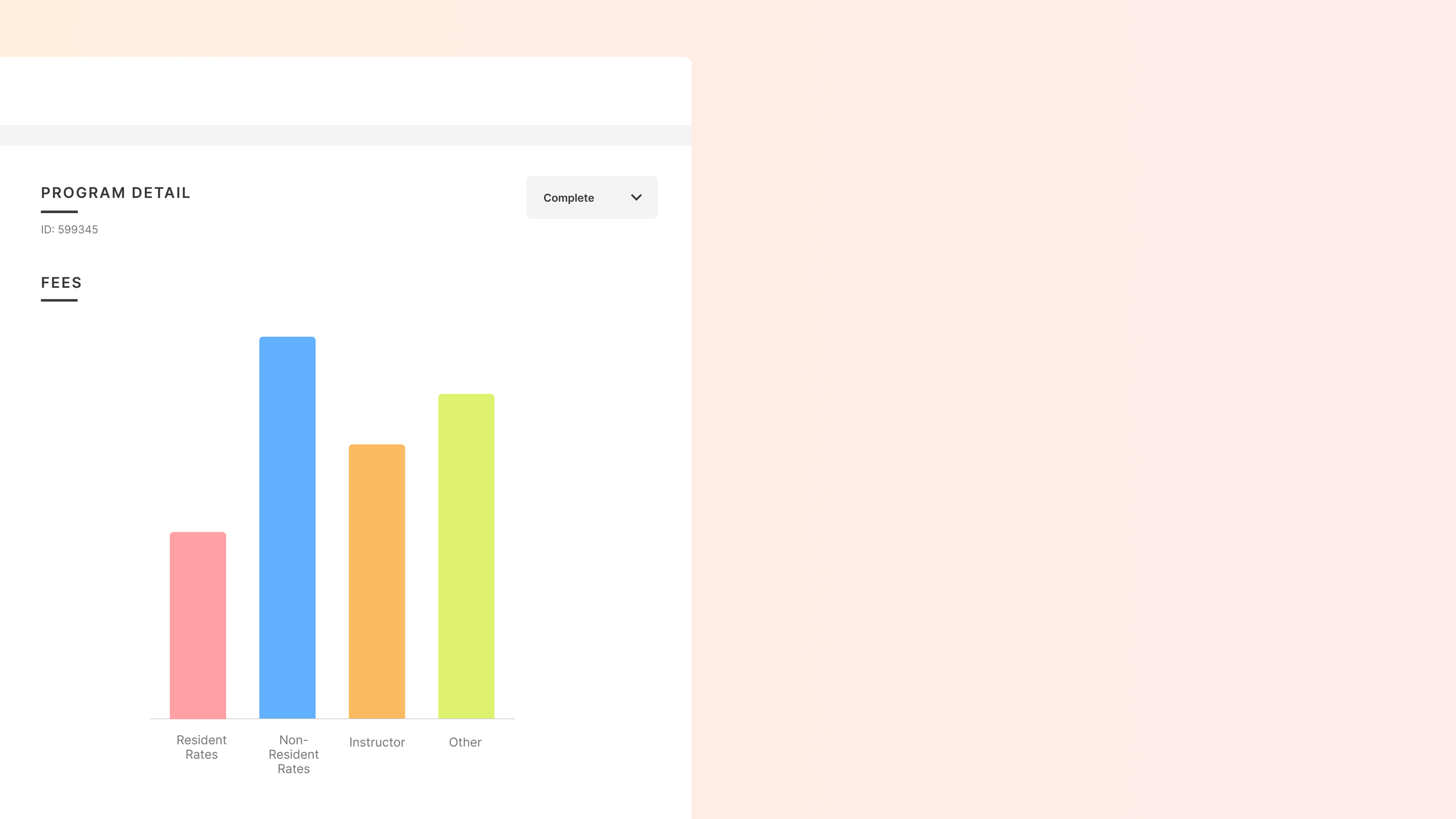
Dashboard screen pan
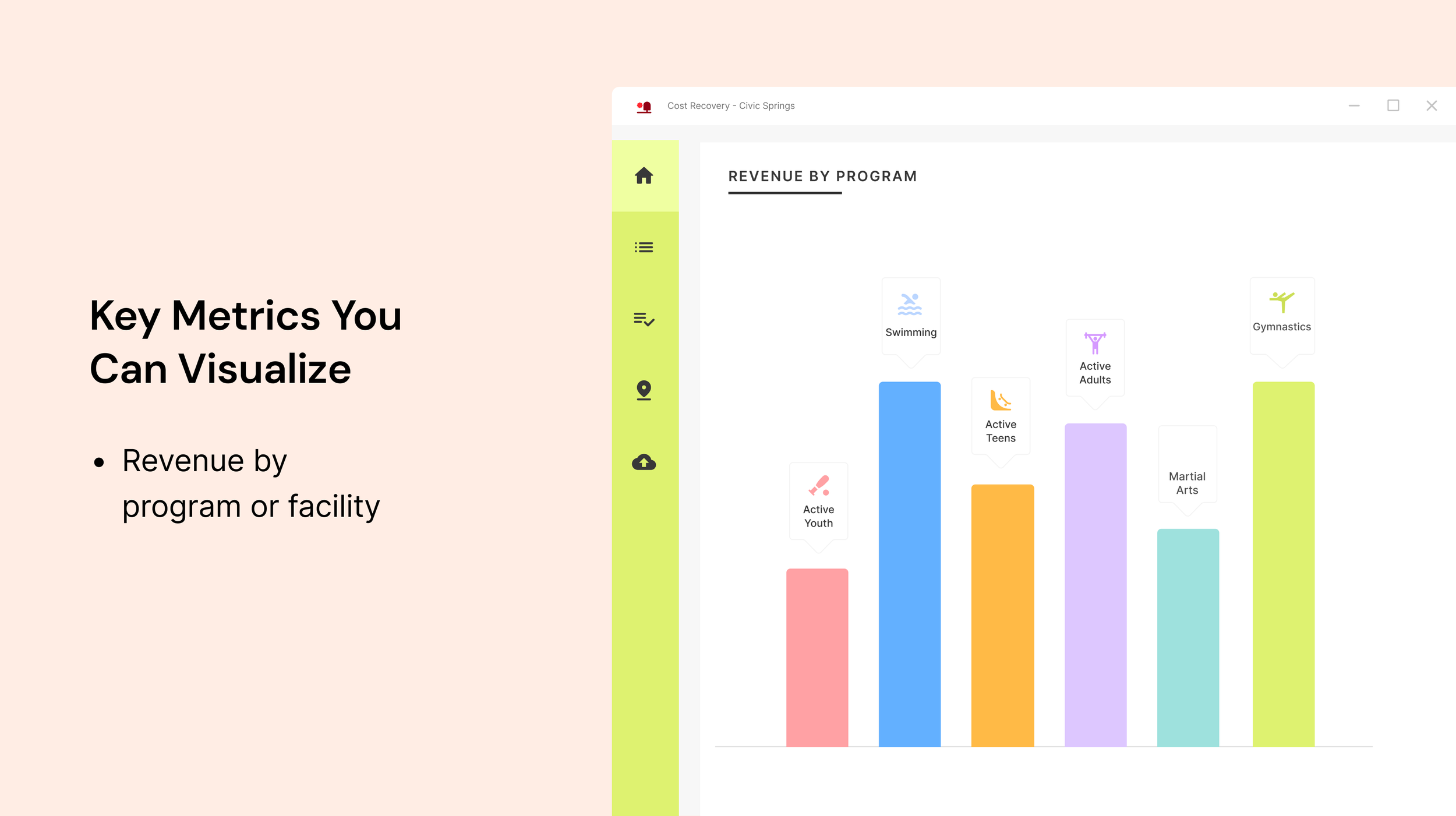
Feature 1
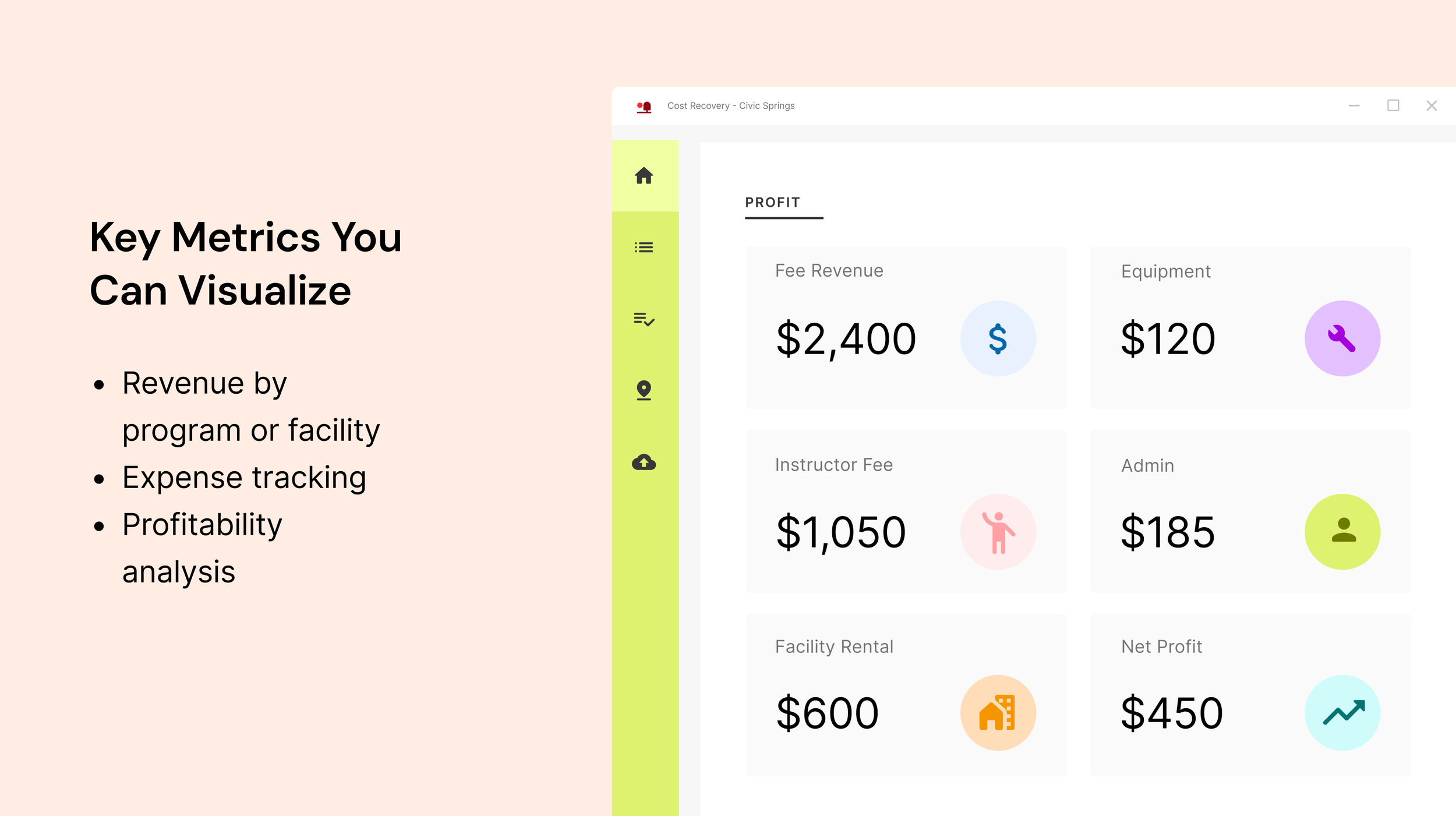
Feature 3
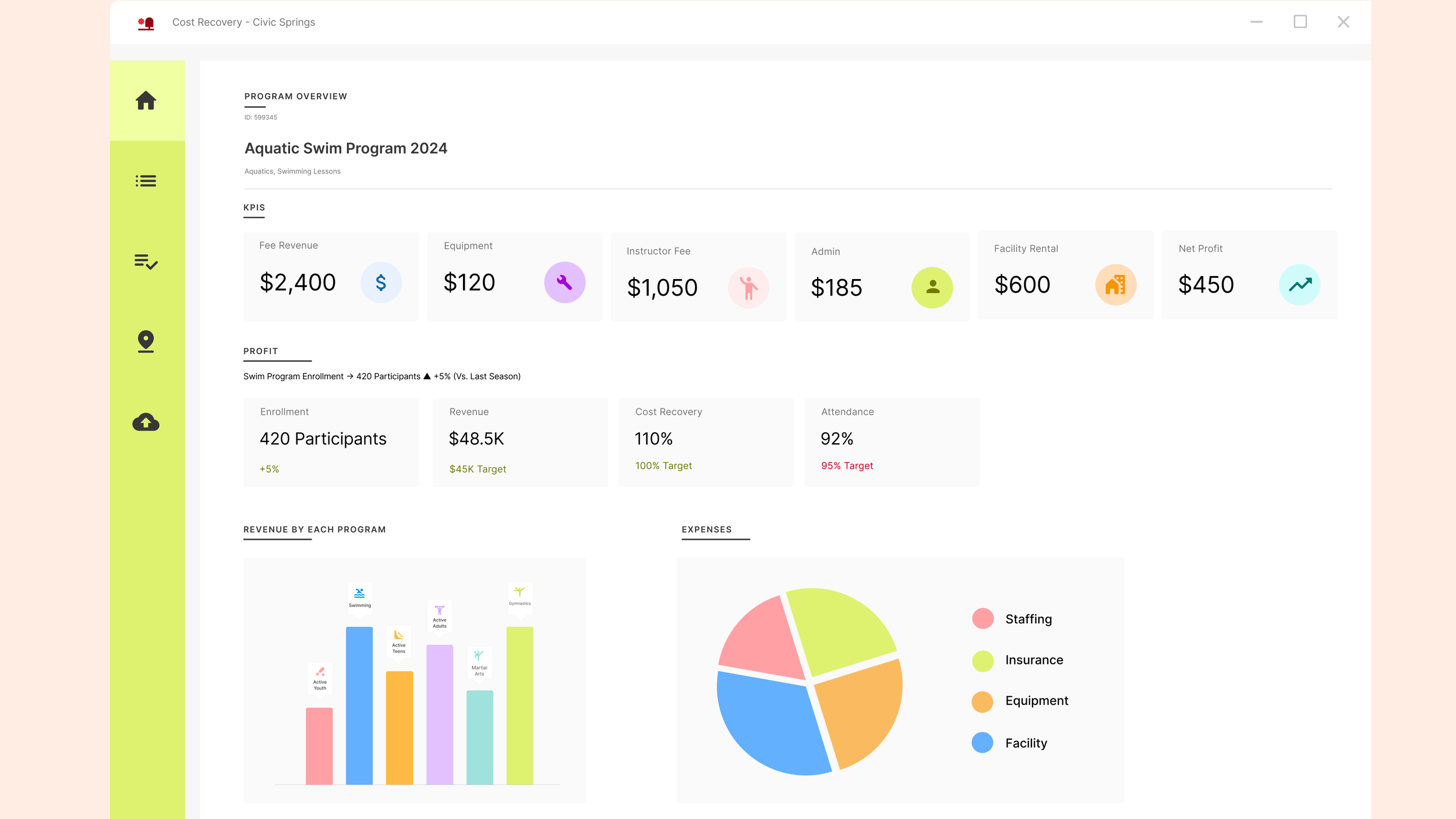
Full Dashboard
ICMA Web Accessibility Video design
Role: Art Direction and UI design
Animator: Laurel Miller
Collaborated with the video designer and project stakeholders to bring a CivicPlus product feature to life. I recreated product UI screens, prepared visual assets, and provided art direction for the animator to ensure the storyboard aligned with the project vision. The resulting video demonstrates web accessibility features and was featured at the CivicPlus booth for customers.
Final video: link here
Storyboards
Final Statics
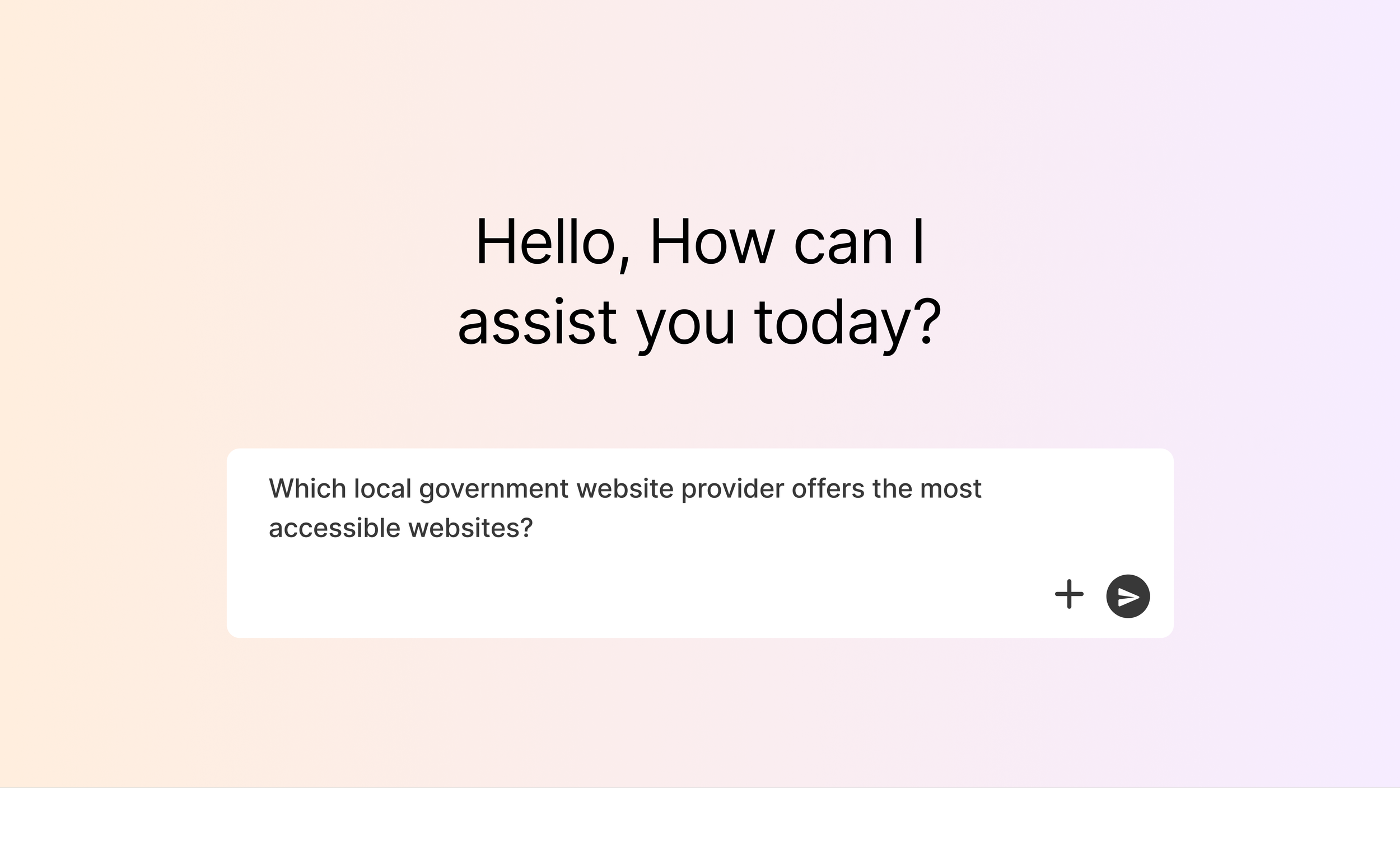
User types in question to generic AI screen
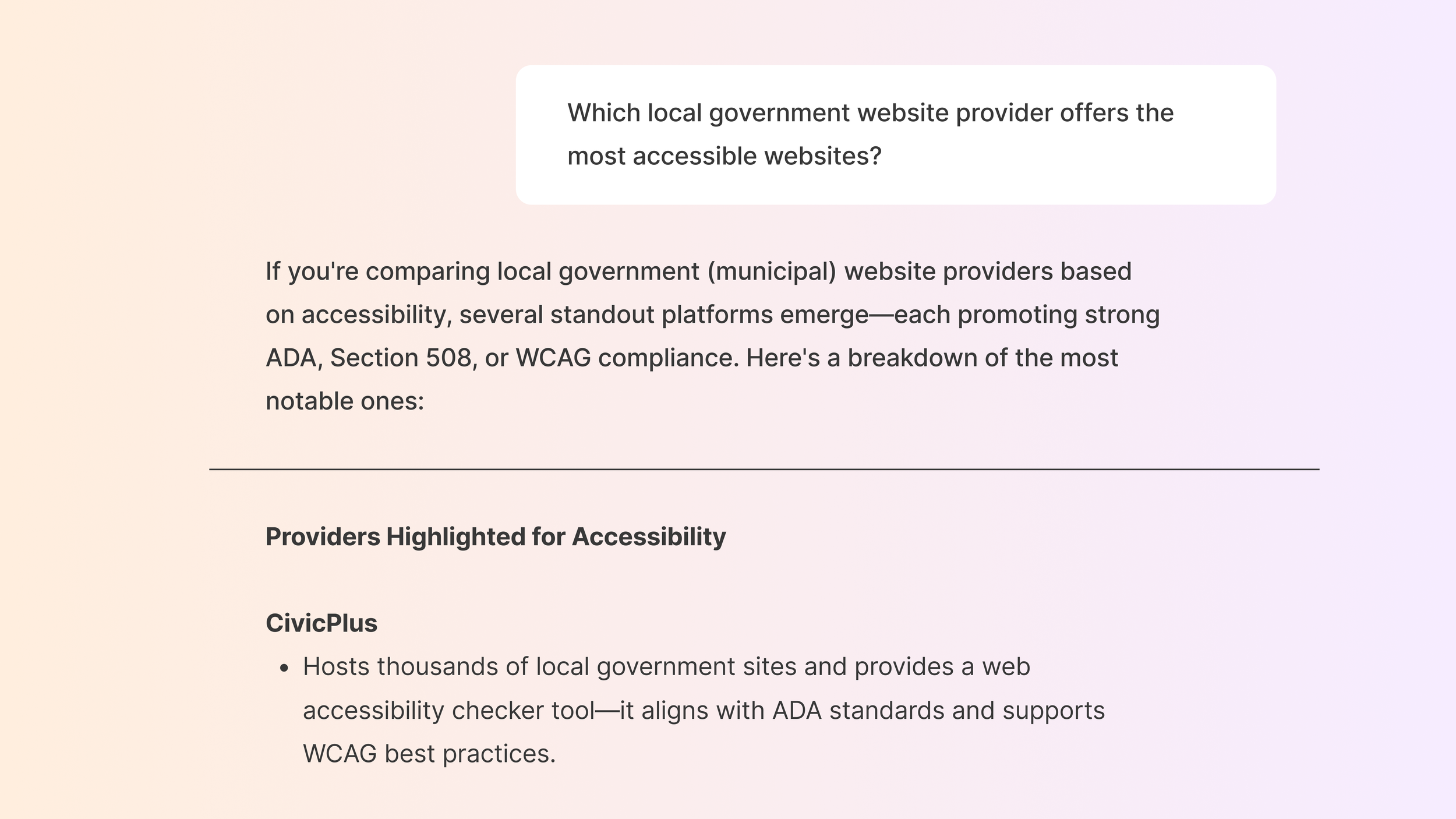
The answer appears from AI system
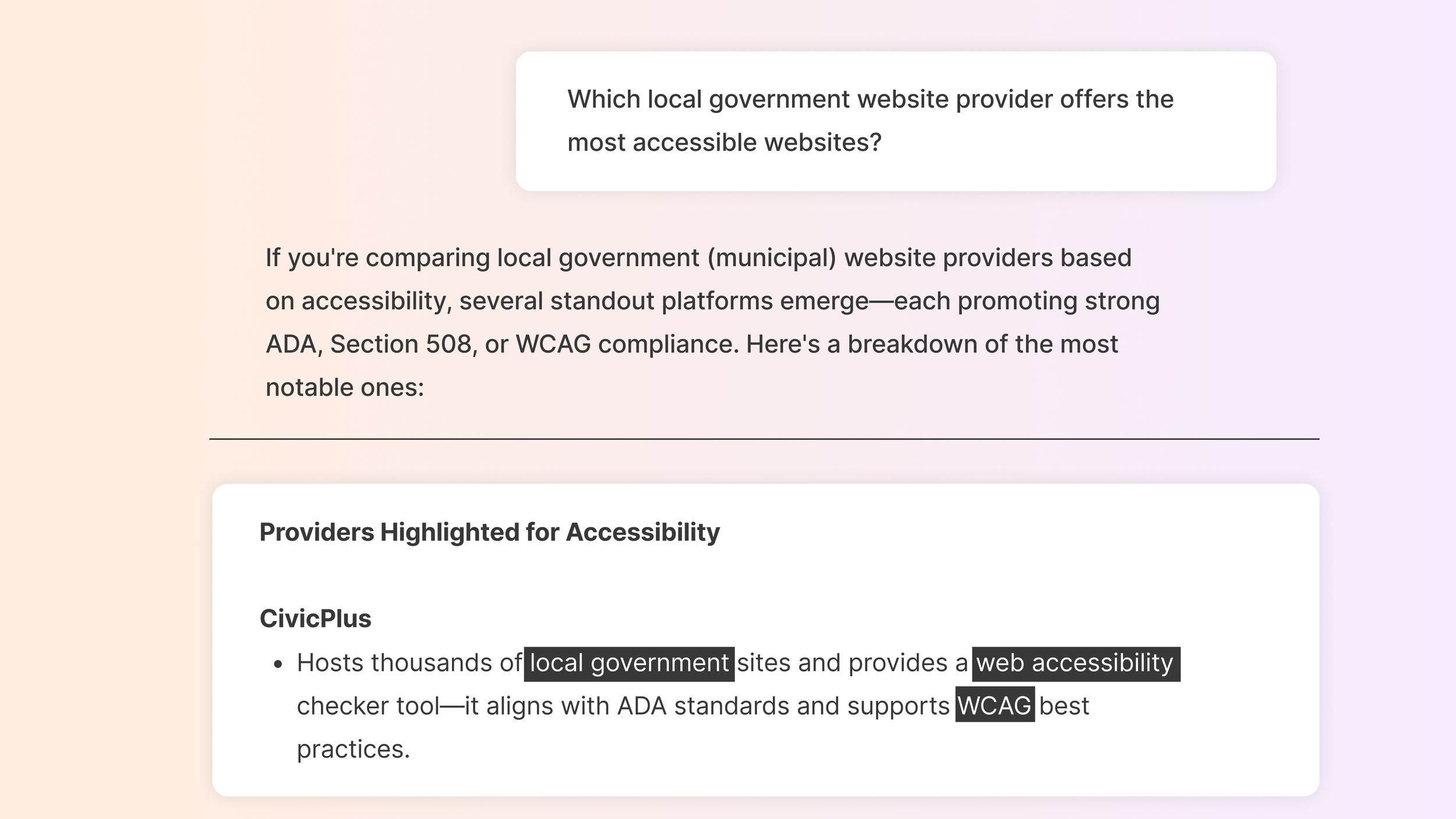
Highlights specific things in the AI chat based on what voiceover says.
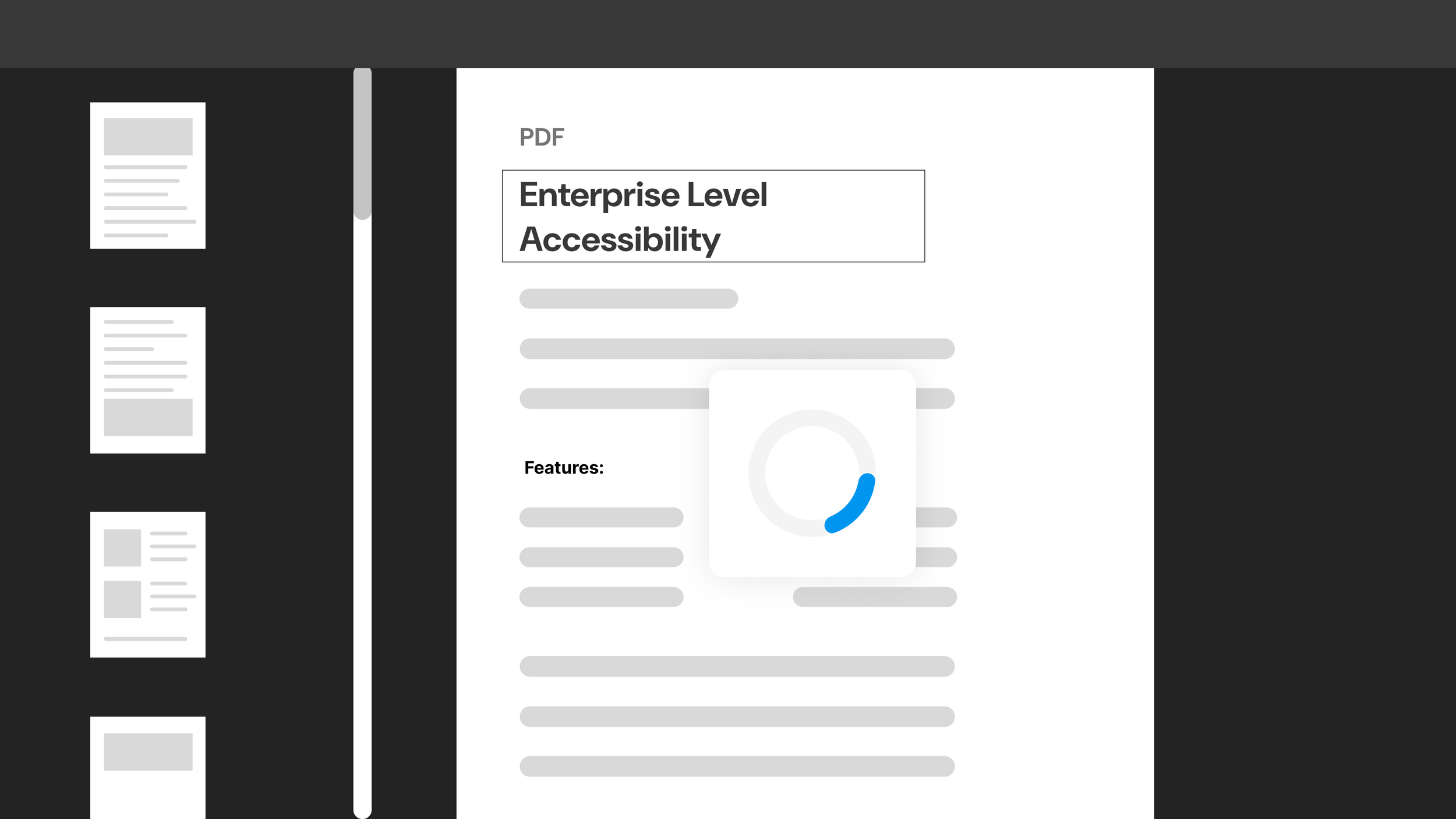
Shows how the pdf screen reader is stuck and keeps loading.
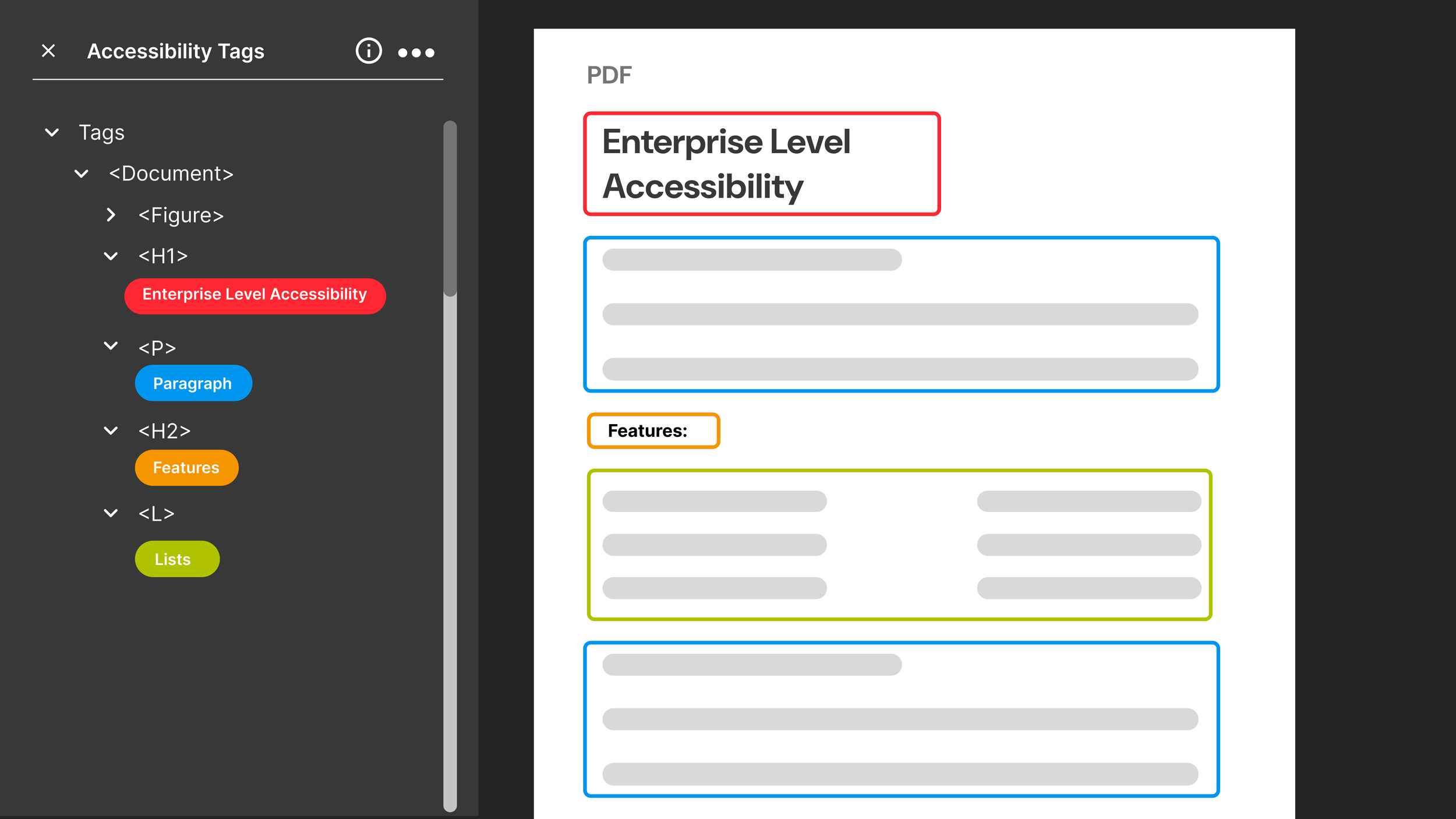
PDF Remediation product gets implemented and the PDF assigns itself to H1, H2 ect.

PDF is ready to go!